Anyone who has spent time on a construction project has probably lived through some version of the same story. A drawing gets revised, the update goes out over email, and somehow, three different people are still working off the old copy days later. Nobody did anything wrong exactly; the file just moved faster than the communication around it. This is one of the most common and expensive problems in construction, and it rarely gets fixed by asking people to be more careful.
The truth is, version conflicts are not really a people problem. They are a structural problem. When drawings, specs, and models live across shared drives, email threads, and personal folders, there is no single place that reflects what is actually current. Everyone assumes their copy is the right one because there is no system telling them otherwise.
Why Version Drift Causes More Damage Than It Looks Like
A single outdated sheet may not seem like a big deal on its own, but the consequences often surface later, usually during procurement or once work has already started on site. A subcontractor orders materials based on measurements from a superseded drawing. A structural detail gets built to spec, except the spec was replaced two revisions ago. By the time anyone catches it, the fix costs far more than it would have if the right file had reached the right person in the first place.
Field teams face a version of this problem that office teams often forget about. Someone working from a tablet on a jobsite with a weak signal cannot always tell whether the drawing they downloaded that morning is still the latest. Documents need to be accessible without relying on a perfect connection and reconciled automatically when one comes back. The office assumes everyone has the same access they do, when in practice, the field experience looks very different.
What A Real Construction File Management System Actually Does Differently
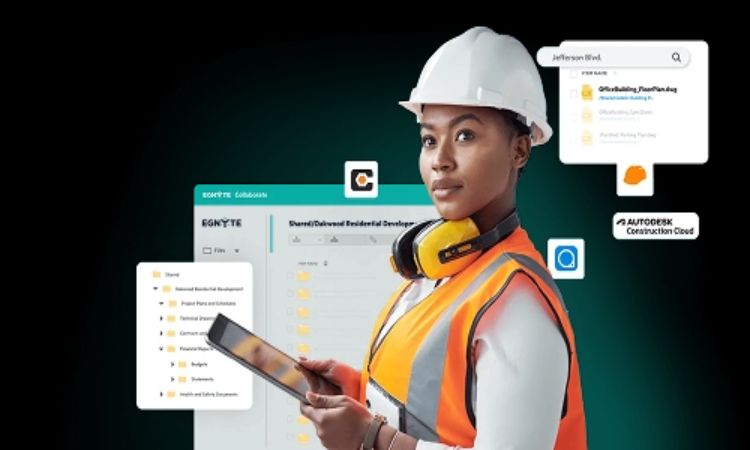
A proper construction file management system treats every document as a controlled record rather than just a file sitting in a folder. That distinction matters more than it sounds like. Instead of relying on naming conventions or memory to determine which version is current, the system tracks this automatically and maintains a full history in case anyone needs to check an earlier revision. Egnyte works this way for AEC firms managing multi-site, multi-discipline projects, keeping design files, RFIs, submittals, and field reports under one governed structure rather than scattered across separate tools.
Once firms start comparing their old process to a properly managed one. Under the old system, finding the right version meant asking around or checking file names for clues. In a managed system, the current version is simply the one that shows up, and everyone sees the same thing regardless of where they are working.
Access control plays a role here, too, though it gets less attention than version tracking. Not everyone on a project needs to see every document, and giving broad access just to avoid the hassle of managing permissions tends to create its own problems later. A well-built document control</a> setup lets firms manage who sees what without slowing down the people who actually need access, which matters more once a project brings in multiple subcontractors and consultants over its lifecycle.
Getting There Without Disrupting How People Already Work
None of this requires a complete overhaul of how teams operate day-to-day. The goal is not to force architects and engineers to abandon the applications they already know; it is to ensure that whatever they save syncs correctly and reflects the same version everyone else sees. Firms that try to solve version conflicts purely through stricter naming rules or more meetings tend to find the problem creeps back in within a few months, because the underlying structure never actually changed.