A TikTok video downloader online lets you save any public TikTok video straight from your browser, with no app to install and no account to create. You copy the video link in TikTok, paste it into a web-based downloader, and download the file to your phone or computer in seconds. It is the fastest way to keep a video you like, share it somewhere else, or watch it later without an internet connection.
The top results for this keyword are mostly the downloaders themselves. SSSTik, SnapTik, SaveFrom, TikDown, VideosDownloader, TikTokio, and TTSave all rank on the first page, along with tool roundups such as BetterUtils. That tells you two things: people searching for this term usually want a working tool right away, and Google rewards pages that explain the method clearly and compare the tools honestly. This guide does both, so you can pick a safe tool and use it correctly the first time.
What Is a TikTok Video Downloader Online?
An online TikTok video downloader is a website that fetches a TikTok video from its link and gives you a downloadable MP4 file. Unlike an app, it runs entirely in your browser, so it works on iPhone, Android, Windows, and Mac without installation. Most of these tools are free, and the best ones do not even ask for an email address or a login.
TikTok itself has a built-in save button, but it has limits. The saved video carries a TikTok watermark that bounces around the screen, some creators turn downloads off, and you cannot choose the quality or the format. An online downloader solves these problems. It can remove the watermark, save videos even when the in-app button is missing, and often offer HD quality, an audio-only MP3, or a photo slideshow as a video. For a fuller overview of the topic, see our TikTok video downloader guide, which covers every method in one place.
Before you use any downloader, keep one rule in mind. Only download videos for personal use, and never re-upload someone else’s video as your own. Creators own their work, and reposting without credit can get your account flagged or taken down.
How to Download a TikTok Video Online (No App Needed)
The process is the same on almost every online downloader. Once you know the steps, you can use any of the tools in this guide.
- Open TikTok and find the video you want to save.
- Tap the Share button (the arrow on the right side of the screen) and choose Copy Link.
- Open your browser and go to an online downloader such as SnapTik, SSSTik, or TikTokio.
- Paste the link into the box on the downloader’s home page and tap Download.
- Wait a few seconds while the tool fetches the video, then choose your format. Pick MP4 without watermark for a clean video, HD for the best quality, or MP3 if you only need the sound.
- Tap Download again. The file saves to your Downloads folder or your phone’s gallery.
The whole process takes under a minute with a decent connection. If a tool shows a pop-up ad when you click Download, close the pop-up and click the real download button, not the ad. Free downloaders earn their money from ads, so a couple of pop-ups are normal, but a tool that opens five new tabs every time you click is not worth using.
How to Download a TikTok Video Online on iPhone
On an iPhone, Safari handles the download, but the file does not go to your Photos app automatically. After the downloader creates the file, Safari saves it to the Files app under Downloads. Open Files, find the MP4, tap it to preview it, then tap Share and choose Save Video to move it into your Photos library.
One tip: use Safari or Chrome, not TikTok’s built-in browser. Links opened inside TikTok use a limited in-app browser that cannot download files properly, so open the downloader in your main browser instead.
How to Download a TikTok Video Online on Android
Android is the easiest platform for this. Paste the link into the downloader, choose your format, and the video downloads straight to your gallery or Downloads folder. Chrome usually asks where to save the file the first time, then remembers your choice.
If the download does not start, check that Chrome has storage permission. Go to Settings, then Apps, then Chrome, then Permissions, and make sure Files and media is allowed.
How to Download a TikTok Video Online on PC or Mac
On a computer, the workflow is even simpler, and it is also the best way to download several videos quickly. Copy the link from TikTok on the web, paste it into the downloader, and save the MP4 to a folder of your choice. Desktop browsers let you rename the file before saving, which keeps your downloads organised.
A PC is also the best place to check the quality of a download. Preview the MP4 before you share it anywhere, and check that the watermark is really gone and the audio is in sync. For a desktop-focused walkthrough, see our guide to downloading TikTok videos on PC.
TikTok Video Downloader Online Without Watermark
The watermark is the main reason most people use an online downloader instead of TikTok’s own save button. TikTok stamps its logo and the creator’s username on videos saved through the app, which looks messy in edits and reposts. Online downloaders fetch the video file before the watermark is added, so the result is a clean copy.
Not every tool removes the watermark, so check the tool’s home page for the words “without watermark” before you use it. SnapTik, SSSTik, and TikTokio all advertise watermark-free downloads, and in my testing they delivered clean HD files. If a tool gives you a video with a watermark anyway, try another tool with the same link rather than fighting with the first one. We explain this in more detail in our guide on how to download TikTok videos without watermark.
Best Online TikTok Video Downloaders Compared
Here is how the tools that currently rank on the first page compare. All of them are free and browser-based, so the differences come down to quality, formats, and how annoying the ads are.
| Tool | Free | No watermark | MP3 audio | Best for |
|---|---|---|---|---|
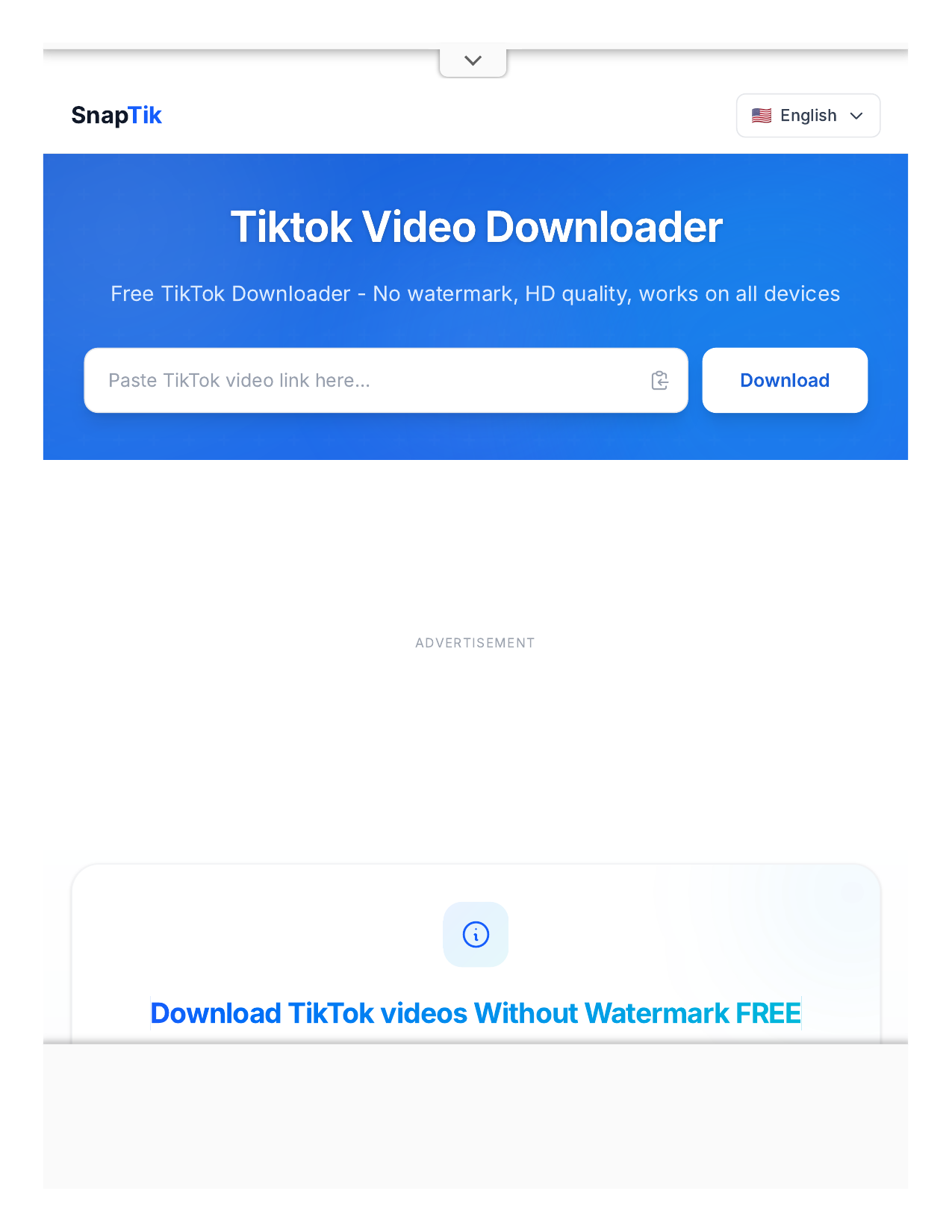
| SnapTik | Yes | Yes | Yes | Clean HD video and slideshows |
| SSSTik | Yes | Yes | Yes | Fast downloads and stories |
| TikTokio | Yes | Yes | Yes | Original quality, no account needed |
| TTSave | Yes | Yes | Yes | Simple, no-frills downloads |
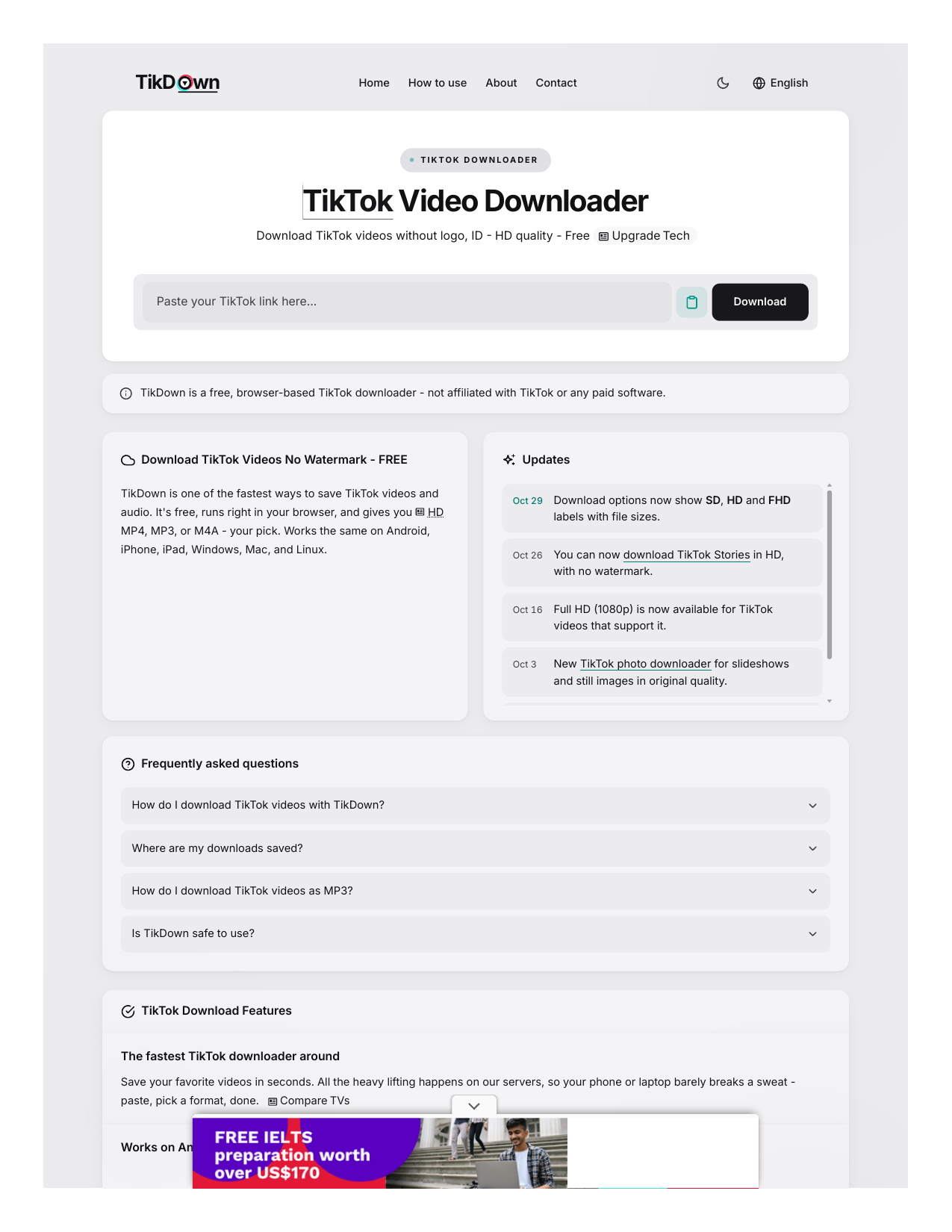
| TikDown | Yes | Yes | Yes | Quick links from search results |
| VideosDownloader | Yes | Yes | No | Basic MP4 downloads |
My recommendation is to bookmark two of these, not one. Downloaders go down, change their domain, or slow to a crawl without warning, and having a backup means you are never stuck. SnapTik and SSSTik are the two I reach for first, because both were fast and watermark-free when I tested them, and both offer MP3 for the times I only want the audio.
Is Using an Online TikTok Video Downloader Safe?
Using a well-known online downloader is generally safe, but the category attracts copycat sites, so a little caution goes a long way. A legitimate downloader never asks for your TikTok password, your email address, or any payment details. If a site asks for any of those, leave immediately. It also never needs you to install software.
Stick to the names that appear in Google’s top results, use an ad blocker if your browser supports one, and never click a download button that looks like an ad. The video file itself is a plain MP4, which cannot run code on your device, so the real risk is the site, not the video.
Common Problems and Fixes
The downloader says the link is invalid
Make sure you copied the full link from the Share menu, not a shortened link from a message. Open the video in TikTok, tap Share, then Copy Link, and paste it straight into the downloader. If it still fails, the video may be private or deleted, and no tool can fetch it.
The download button does nothing
Try a different browser or turn off your VPN. Some downloaders block VPN traffic, and some only work reliably in Chrome or Safari. An ad blocker can also block the download button on a few sites, so disable it for the downloader’s page and try again.
The video still has a watermark or no sound
Try the same link in SnapTik or SSSTik and choose the no-watermark option. If the video has no sound in every tool, the sound was already missing from the source, or the creator used a restricted sound.
Frequently Asked Questions
Can I download TikTok videos online for free?
Yes. SnapTik, SSSTik, TikTokio, and TTSave are all free to use in a browser, with no account and no payment. You can download as many videos as you like, although some tools show more ads after heavy use.
Do I need to install an app to download TikTok videos online?
No. That is the whole point of an online downloader. Everything happens in your browser, on iPhone, Android, Windows, or Mac. Only download an app if you prefer one; it is never required.
Can I download TikTok videos online without a watermark?
Yes, with a tool that supports it. Choose a downloader that advertises no-watermark downloads and select the no-watermark MP4 option on the results page. SnapTik, SSSTik, and TikTokio all did this reliably in my testing.
Is it legal to download TikTok videos?
Downloading a video for your own offline viewing is generally fine. Re-uploading someone else’s video, claiming it as your own, or using it commercially without permission is not. Always credit the creator if you share a downloaded video anywhere.
Why can’t I download some TikTok videos?
Private videos cannot be downloaded by any tool, and creators can turn off downloads for individual videos. Region restrictions and deleted videos also block downloads. If a video is public and the link is correct, switching to a different downloader usually fixes the problem.
Conclusion
A TikTok video downloader online is the simplest way to save a video without installing anything. Copy the link, paste it into a trusted tool such as SnapTik or SSSTik, choose the no-watermark MP4, and you are done in under a minute. Bookmark two tools so you always have a backup, use downloads for personal viewing only, and never hand your TikTok login to a downloader. Do that, and you will never lose a video you wanted to keep.