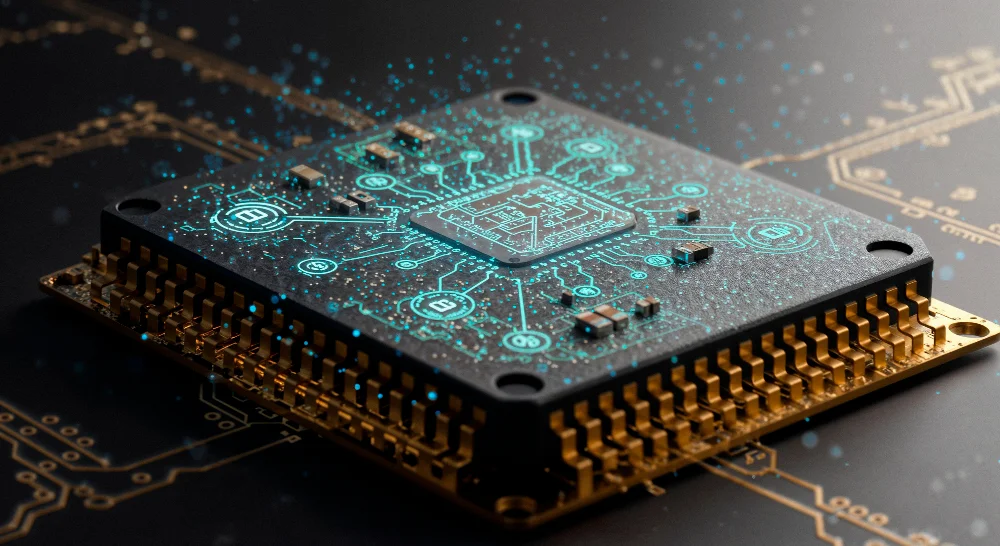
The Intel Core i3‑8100 is a desktop processor that has been widely used in budget PC builds and mainstream computers since its release. It offers a good balance of performance and affordability for everyday tasks, light gaming, and basic content creation. Whether you’re building your first computer or comparing CPUs before upgrading, this guide will explain everything you need to know about the i3‑8100, from specs to real‑world performance.
What Is the i3‑8100?
The Intel Core i3‑8100 is a desktop CPU launched as part of Intel’s 8th Generation “Coffee Lake” series. It was designed to bring improved multi‑core performance to mainstream users compared to earlier Core i3 models. This chip is built on Intel’s mature 14 nm process and fits the LGA1151 socket, meaning it works with many 300‑series motherboards. Its design targets users who want reliable computing without spending on high‑end parts.
Key Specifications at a Glance
Here are the core specifications that define the i3‑8100:
- Cores: 4 physical cores
- Threads: 4 (no hyper‑threading)
- Base Clock Speed: 3.60 GHz
- Socket: LGA1151
- TDP: 65 W
- Integrated GPU: Intel UHD Graphics 630
- Memory Support: DDR4
- Release Year: 2017
These specs show that the i3‑8100 is a solid processor for mainstream use. The presence of four cores helps with multitasking, and the consistent 3.60 GHz clock means steady performance for most applications.
Performance Overview
Benchmark Scores
When tested in benchmark tools, the i3‑8100 shows respectable performance for its class. On one benchmark platform, it scored around 8034 overall, indicating solid raw processing power compared to other mid‑range desktop CPUs.
Other tests show an average performance score of around 2,500–3,000 in synthetic CPU benchmarks, reflecting how this chip stands in real‑world tasks.
Core Performance in Everyday Tasks
For simple daily computing — like web browsing, email, office apps, and media playback — the i3‑8100 delivers reliable results. Its four cores handle basic multitasking well, and systems with this CPU feel responsive in typical home or office use cases.
Because it does not support hyper‑threading, the chip doesn’t perform as strongly in heavily threaded professional applications (like video encoding or 3D rendering) compared to higher‑end CPUs. Still, it’s perfectly capable for productivity tasks.
Gaming on the i3‑8100
Gaming performance depends heavily on your graphics card, but the processor itself can support popular titles reasonably well at 1080p when paired with a dedicated GPU.
For example, test data suggests performance figures like:
- Fortnite: ~78 FPS at 1920×1080
- Counter‑Strike 2: ~143 FPS at 1080p
- Valorant: ~209 FPS at 1080p
- Cyberpunk 2077: ~35 FPS at 1080p
These results show that popular esports and less demanding titles run comfortably, but AAA games at high settings may be limited by the CPU or graphics combo.
With just integrated graphics (Intel UHD Graphics 630), gaming capability is very limited, and you’ll only run light or older games at low settings.
Integrated Graphics & Multimedia
The Intel UHD Graphics 630 in the i3‑8100 provides basic visual output without needing a separate graphics card. It supports video playback, web content, and light graphics work. However, it’s not suitable for demanding 3D gaming or professional creative software.
If you plan to use this CPU with only integrated graphics, expect decent performance in video streaming and desktop tasks, but limited performance in graphically heavy applications.
Real‑World Use Cases
Everyday Computing
The i3‑8100 is ideal for:
- Browsing the internet
- Working in office applications
- Watching videos and streaming
- Basic multitasking
These are the tasks most users search for when looking up this CPU, making it a strong everyday choice on a budget.
Home Entertainment
Since the chip has decent clock speeds and integrated graphics support, it handles media playback and light video tasks well. However, don’t expect high‑end video editing performance without a dedicated GPU and more powerful CPU.
Entry‑Level to Mid‑Range Gaming
With a dedicated graphics card, the i3‑8100 can hold its own in many games, especially at 1080p. It doesn’t match modern processors in demanding titles, but gaming remains possible as long as expectations are set accordingly.
Comparison: i3‑8100 vs Other CPUs
i3‑8100 vs Older Intel Processors
Compared to older Core i3 models (like the i3‑4100M), the 8100 shows significant performance improvements in both single and multi‑core tasks thanks to newer architecture and higher base clocks.
i3‑8100 vs Newer CPUs
While the i3‑8100 was competitive at release, newer CPUs — especially those with hyper‑threading and more cores — outperform it in multitasking and complex workloads.
For lightweight tasks, however, users still find it sufficient, especially in home and office systems where performance demands are moderate. Community experience suggests the chip can feel adequate even in some modern gaming scenarios, though limitations appear in CPU‑heavy titles.
Pros of the i3‑8100
- Good everyday performance: Handles basic computing comfortably.
- Stable base clock: Runs consistently at 3.60 GHz.
- Affordable: Often found at reasonable prices in new and used markets.
- Low power draw: 65 W TDP helps keep energy use reasonable.
Cons and Limitations
- No hyper‑threading: Limits performance in many modern software tasks.
- Integrated graphics are basic: Not for heavy gaming or graphics work.
- Older generation: Newer CPUs offer better performance per watt and more cores. Some users report bottlenecks in high demand gaming situations with older CPUs.
Compatibility & Building Tips
When planning a PC build with the i3‑8100, consider the following:
- Motherboard: Use a compatible 300‑series chipset board (e.g., B360, H310, Z370).
- Memory: DDR4 RAM is supported, and dual‑channel configurations improve performance.
- Cooling: A stock cooler is typically sufficient, but ensure good airflow if pushing sustained workloads.
This aligns with what many searchers look for when researching upgrades or new builds.
Is the i3‑8100 Still Worth It in 2026?
Even in 2026, the i3‑8100 remains usable for entry‑level systems, especially in home office, education, or budget gaming builds. However, users with heavier demands, such as video editing, software development, or competitive gaming, are better served with CPUs offering more cores and threads.
If you already have this processor, upgrading might be worth considering when building a future‑proof system. For those on strict budget builds, second‑hand options may still provide good value.
FAQs
1. Is the i3‑8100 good for gaming?
Yes, with a dedicated graphics card, it can run many games well at 1080p, especially esports and less demanding titles. For AAA games at higher settings, performance is limited.
2. Does the i3‑8100 support hyper‑threading?
No, it has four physical cores and four threads, which means it doesn’t support Intel’s hyper‑threading.
3. Can you upgrade the i3‑8100?
You can upgrade within the same socket family (LGA1151) with compatible motherboards, but moving to much newer CPUs often requires a new motherboard.
4. Is the i3‑8100 suitable for video editing?
It can handle light video editing, but for professional or heavy tasks, a more powerful CPU with additional cores is recommended.
Final Thoughts
The Intel Core i3‑8100 remains a solid choice for many users who need reliable everyday performance without breaking the bank. It’s not the fastest chip today, but with careful pairing of other components and clear expectations, it continues to serve well in budget builds. Whether you’re just browsing, working, or playing light games, understanding what this CPU offers helps you make informed decisions for your PC setup.

How Email Widgets Can Support Time-Sensitive Email Marketing
Deepseekplay com: A Comprehensive Guide to Features and Benefits

Best Document Standardization Tools of 2026: Top Tools for Locking Slide Layouts as PDFs