

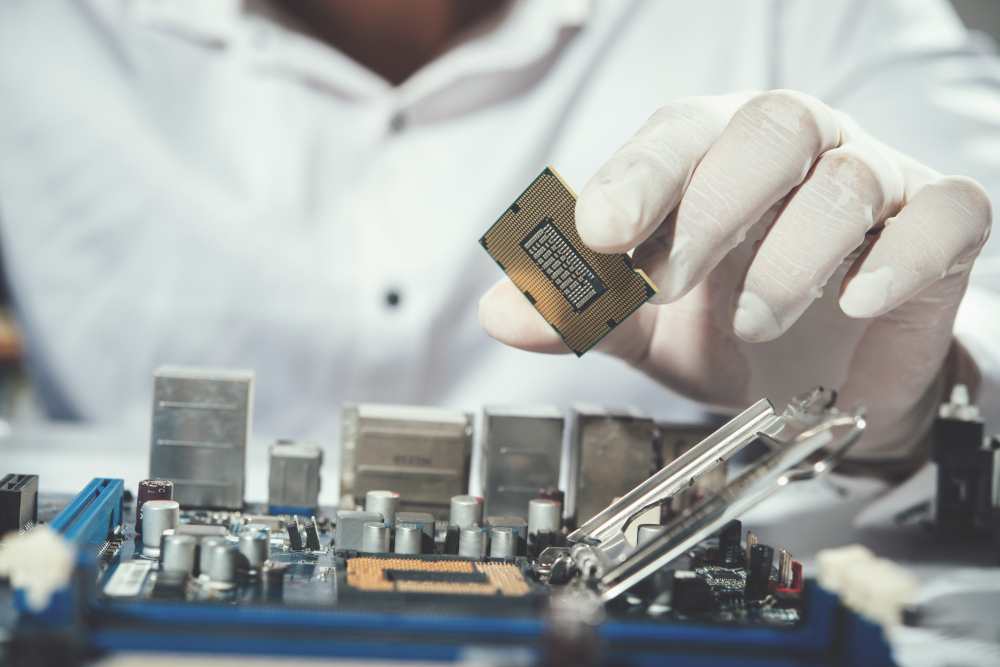
PCI Express is one of the most important technologies inside modern computers. Whether you are a gamer, a PC builder, a student studying hardware, or someone who simply wants to understand how computers communicate with powerful devices — this guide will explain everything in simple terms.
In this article, you will learn what PCI Express is, how it works, why it is faster than older systems, how versions differ, where it is used, and how it impacts real‑world performance.
Let’s begin.
What is PCI Express?
To start with the basics:
PCI Express (PCIe) is a high‑speed internal interface standard that connects hardware devices to the motherboard. It is the modern upgrade from older interfaces like PCI, PCI‑X, and AGP.
In older systems, all expansion cards shared one common pathway — like cars sharing a single narrow road. That limited performance and caused bottlenecks when many devices were active. PCI Express fixed this problem by introducing direct, dedicated connections between each device and the CPU or chipset.
Today, almost all major expansion devices — from graphics cards to high‑speed SSD storage — use PCI Express. It is fast, scalable, and works reliably across a wide range of devices.
How PCIe Works: Architecture & Key Components
PCIe may sound complex, but once you understand its structure, it becomes much clearer. The standard is built on a layered architecture, similar to network communication systems.
1. Physical Layer
This is the lowest layer. It handles:
- Electrical signaling on the motherboard
- How data flows across copper traces
- How lanes are activated and trained
At this stage, data is still in raw signal form, ready to be packaged and transmitted.
2. Data Link Layer
This layer makes communication reliable. It:
- Detects errors
- Ensures correct delivery
- Adds checks and balances
Imagine it as a quality inspector who ensures the data is delivered without mistakes.
3. Transaction Layer
This is the layer closest to the user and the system. It handles:
- Command packaging
- Read/write requests
- Logical organization of data
- Communication between the device and the operating system
These three layers work together to make PCI Express fast, reliable, and structured.
PCIe Lanes Explained – What They Are & Why They Matter
One of the most important concepts in PCI Express is lanes.
A PCIe lane is made up of two pairs of signals:
One pair to send data
One pair to receive data
Each lane works in both directions at the same time. This is called full‑duplex communication.
Motherboard slots can be:
- x1 – one lane
- x4 – four lanes
- x8 – eight lanes
- x16 – sixteen lanes
More lanes = more bandwidth.
For example:
- A graphics card usually uses a PCIe x16 slot to get maximum performance.
- An NVMe SSD typically uses a PCIe x4 connection, because storage does not need as many lanes as a GPU.
PCI Express negotiates the number of lanes when the system boots. If a card supports x4 but the slot supports x8, the card still works but will use only x4 lanes.
PCI Express Versions & Performance (Generations Explained)
PCIe has evolved through multiple versions over the years. Each version increases speed and performance while keeping compatibility with older devices.
Below is an easy summary of how versions differ:
PCIe 1.0 – First generation; moderate speed
PCIe 2.0 – Twice as fast as Gen 1
PCIe 3.0 – Major improvement and widely used
PCIe 4.0 – Double the bandwidth of PCIe 3.0
PCIe 5.0 – Even faster, ideal for AI and data centers
PCIe 6.0 – Latest major generation with advanced signaling
Every generation improves how fast data travels per lane. For example, PCIe 4.0 delivers much higher throughput per lane than PCIe 3.0. That means faster SSDs, quicker GPU data transfers, and better performance overall.
Thanks to this rapid evolution, PCIe continues to support cutting‑edge technologies without slowing the system down.
Comparison – PCIe vs SATA vs USB
Now that we understand how PCI Express works, let’s compare it with other common connection methods.
PCIe vs SATA
- PCIe is much faster and supports high‑bandwidth devices like NVMe SSDs.
- SATA is older and slower, typically used for older hard drives and SATA SSDs.
Example: A SATA SSD might reach 500 MB/s, while an NVMe PCIe SSD can hit multiple GB/s.
PCIe vs USB
- USB is mainly for external devices like keyboards, mice, and storage drives.
- PCIe is internal, high‑speed, and designed for performance hardware.
USB is versatile but not designed for near‑CPU bandwidth or low‑latency transfers.
Why PCI Express Matters in Modern Devices
PCI Express is essential because it directly impacts system speed and performance in real applications.
Here’s how:
Gaming Systems
Modern games transfer textures, shaders, and data continuously between GPU and RAM. PCIe provides a wide, fast channel to support this data flow without delay.
Workstations
Tasks like 3D modeling, video editing, and simulations rely on fast data back‑and‑forth communication between CPU, GPU, and disks. PCIe lanes make this fast and efficient.
Enterprise & Servers
In data centers, PCIe supports:
High‑speed networking
Large storage arrays
GPU accelerators for AI workloads
It ensures traffic flows smoothly without bottlenecks.
Common Uses of PCIe
PCI Express supports many of the devices modern users rely on.
Graphics Cards (GPUs)
High‑end GPUs use PCIe x16 slots because graphic rendering demands huge bandwidth. This connection ensures smooth visuals, fast frametimes, and quick processing.
NVMe SSD Storage
NVMe SSDs connect using PCIe lanes, which allow read and write speeds much faster than SATA drives. This means:
Faster boot times
Instant application loading
Quick file transfers
Network & Expansion Cards
PCIe supports advanced networking cards (10GbE and faster) and specialized hardware like RAID controllers or capture cards.
Backward Compatibility & Motherboard Support
One of the greatest advantages of PCI Express is backward and forward compatibility.
This means:
A PCIe 3.0 card works in a PCIe 4.0 motherboard slot
A PCIe 4.0 device works in a PCIe 3.0 slot
It simply runs at the slower of the two supported speeds
This compatibility has helped keep PCIe relevant over multiple decades and technology cycles.
How Many PCIe Lanes Do CPUs & Motherboards Provide?
A common question is about how many lanes a CPU or motherboard offers.
Modern CPUs provide a limited number of PCIe lanes that are shared between:
GPUs
NVMe SSDs
Other expansion cards
The motherboard chipset can also provide additional lanes, though sometimes with higher latency.
Understanding how these lanes are allocated is important when building a high‑performance system.
Practical Tips for PC Builders
Here are a few practical insights:
1. Choose the Right Slot
- Use x16 slots for GPUs
- Use x4 (or higher) slots for NVMe storage
2. Don’t Mix Generations for Critical Devices
While compatibility works, performance may be limited if an older slot holds a faster device.
3. Balance Lane Usage
If too many devices share limited lanes, it can throttle performance slightly. Plan slots accordingly.
Frequently Asked Questions (FAQ)
What does PCIe stand for?
PCIe stands for Peripheral Component Interconnect Express.
Is PCIe important for SSD speed?
Yes — PCIe allows NVMe SSDs to reach much higher speeds than older SATA drives.
Can any PCIe card work in any slot?
Usually yes, as long as the connector shape matches and the device fits physically.
Does PCIe version affect gaming?
GPU performance may see small gains with newer versions, but most modern cards already saturate existing bandwidth.
Conclusion
PCI Express is one of the core technologies inside modern computers. It brings fast, reliable, and scalable connections for high‑performance devices like graphics cards, solid state drives, and advanced network cards.
From basic hardware learning to advanced PC building, understanding PCIe helps you make smarter choices and appreciate how modern systems push massive amounts of data with minimal delay.
Whether you are upgrading a gaming PC or studying computer hardware fundamentals, PCIe is a technology worth knowing deeply.

What Makes Eye Glass Video Cameras Ideal for Outdoor Enthusiasts?

What are the Most Popular Online Casino Games?

Five Advanced Ways to Use AI Video Generators
